Parent portal
At North Sydney Public School we use a parent portal app to make communication and admin easier for families. This tools help you:
- make payments quickly and securely
- view academic reports
- stay up to date with school events
- record absences.
Our parent portal app
School Bytes
For all communication, making payments, viewing financial records, recording absences, viewing academic reports and giving parental consent for school events.
Available after your child has started school.
Log-in to the School Bytes Parent Portal or:
- Download School Bytes on Google Play
- Download School Bytes on the Apple Store
- When prompted, tap Allow Notifications
After your child has started, you can set up your account. Please use your child’s official name (preferred names will not link you together). When creating a new account use your email address you have provided to the school.
The School Bytes Parent Portal offers a language conversion tool that lets parents easily translate content into many languages by selecting from a list in the bottom right corner - please note this feature is only available via a web browser, not the app. This translation option is also available on School Bytes online forms and payment portals to help all families engage with school communications.
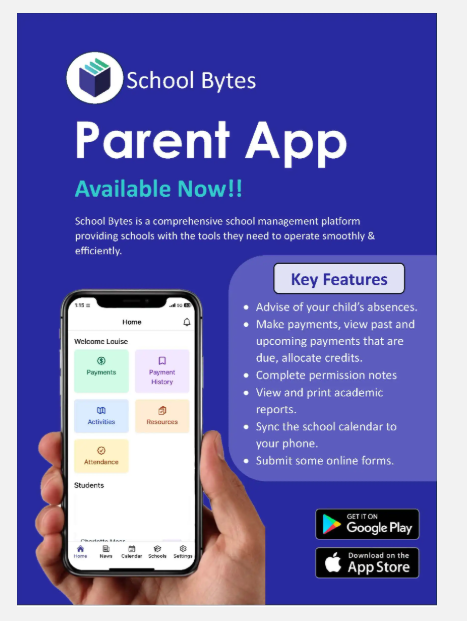
Need help with our parent portal app?
School Bytes provide technical support directly to families and our friendly office staff will be happy to give you a hand.

Community involvement
Discover ways to volunteer and help shape our school community.

Policies and reports
Discover our local school policies, reports and plans.